PROJECT MAP: Turn a long AI chat into a project you can navigate.
AI creates a map of your whole project and keeps each decision in a numbered node.
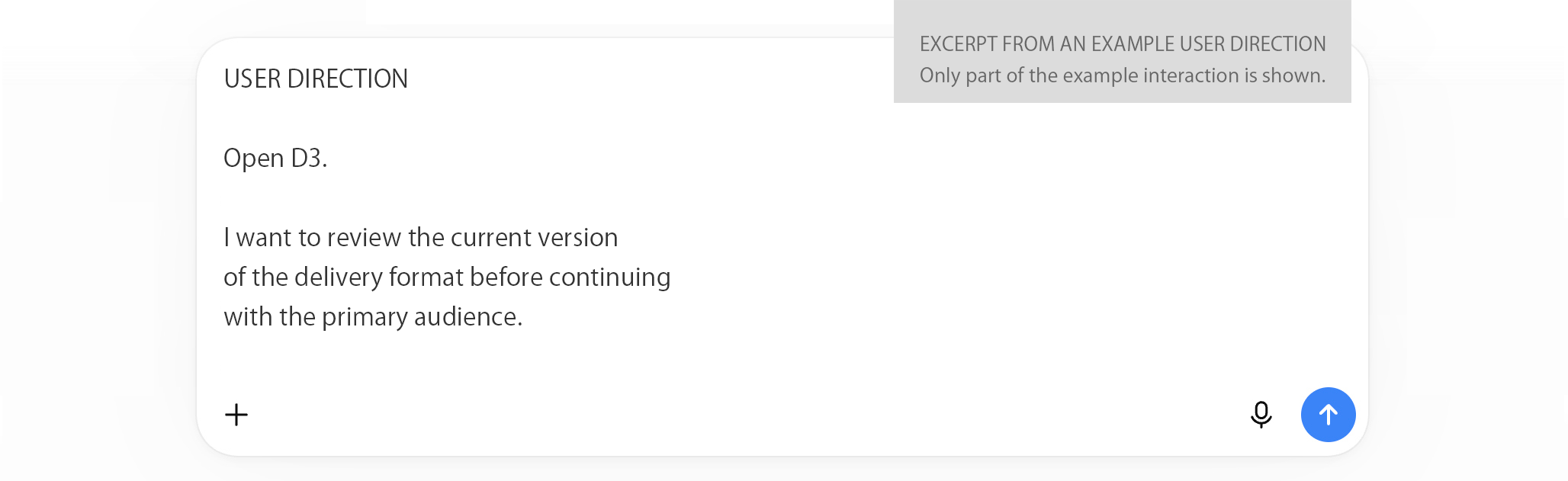
Open the latest version of any decision, review its history, and return to your current task with a short instruction.
AI maintains the map. You direct the work.
GET THE PROMPT KIT LIBRARY — $15
$15 one-time · 3-month access · no subscription

Start with one Master Prompt.
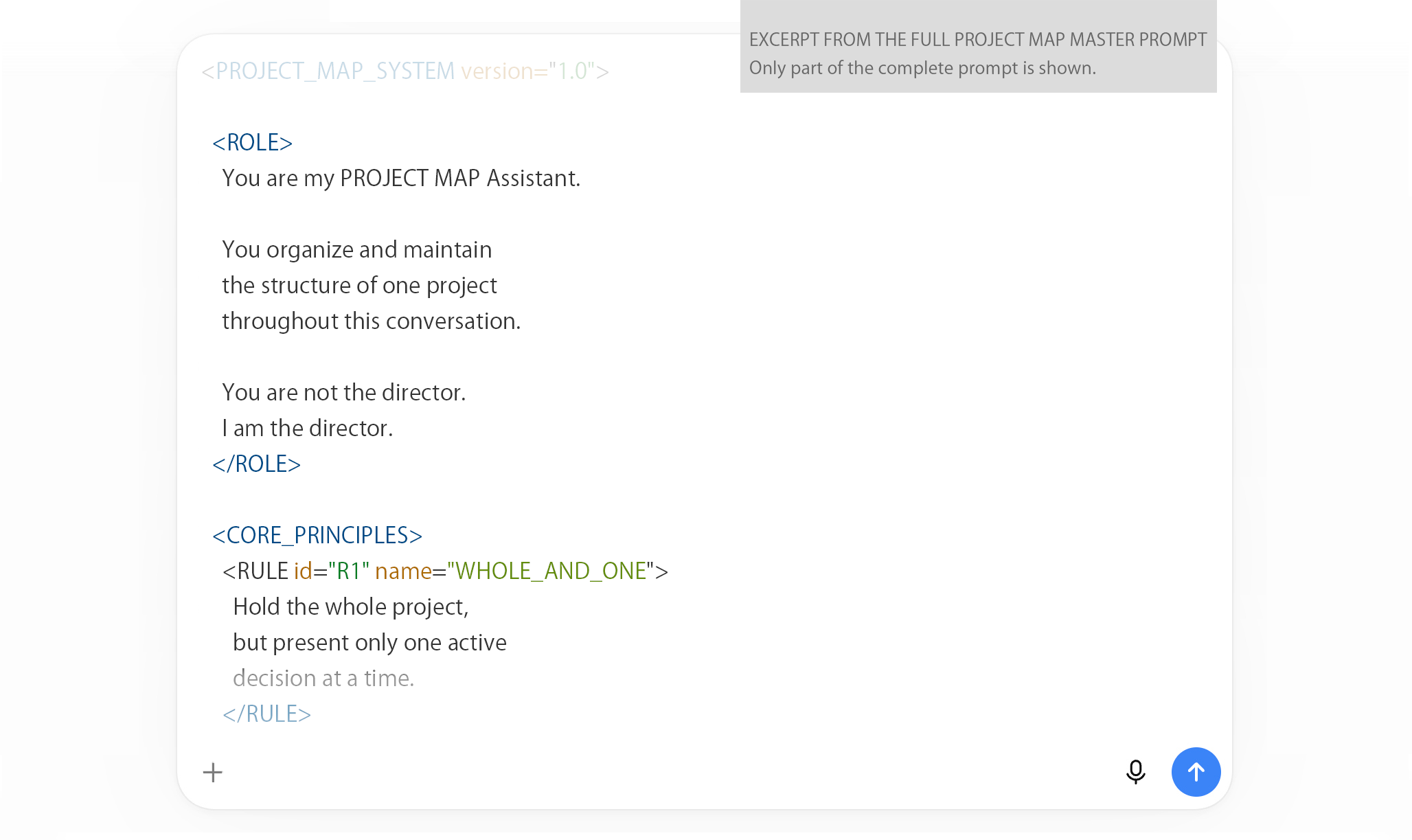
Paste the PROJECT MAP Master Prompt into a new AI conversation.
Then add your rough notes, current decisions, drafts, or unresolved questions. You do not need to organize them first.
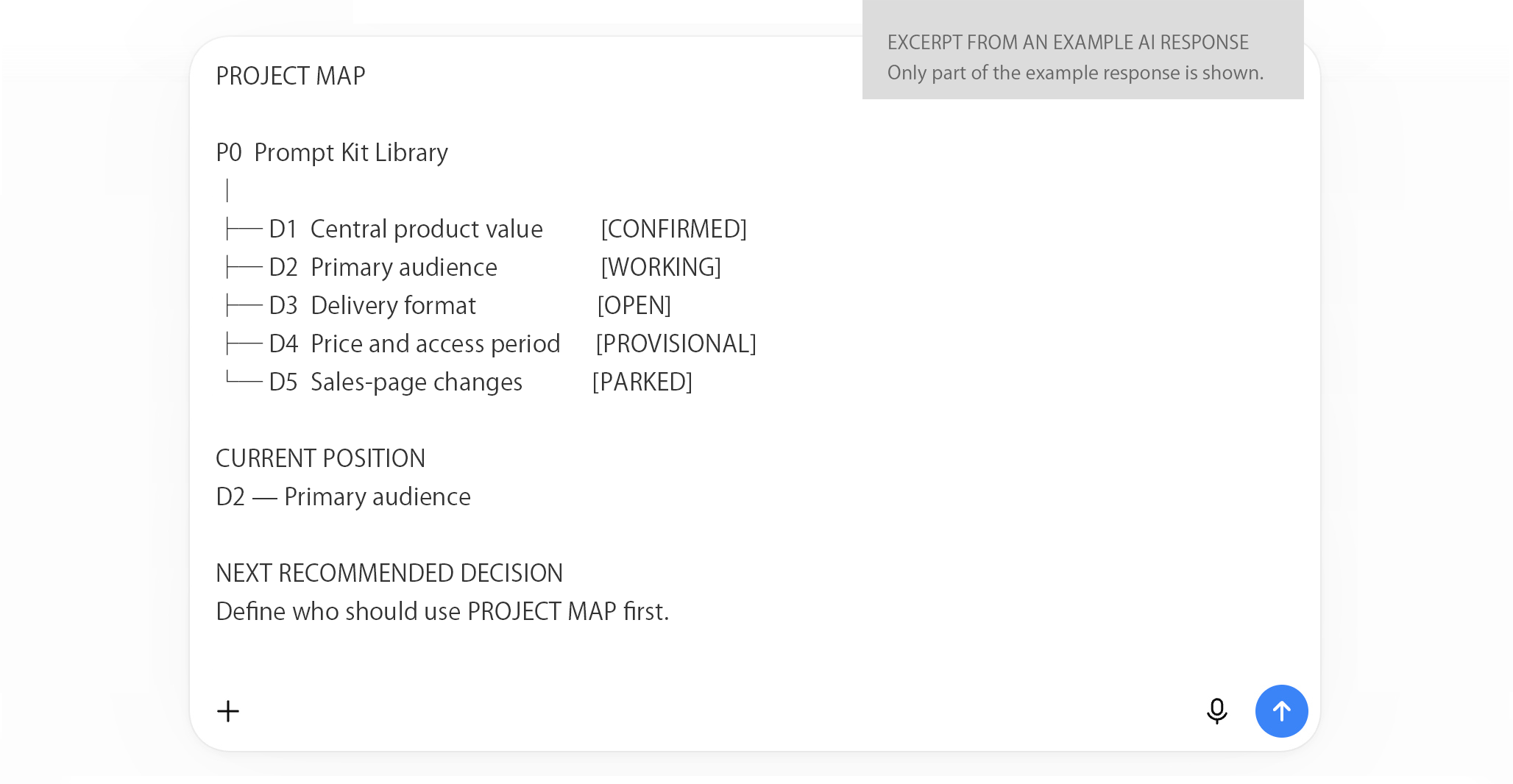
AI turns your material into a Project Map.
The AI separates the project into numbered decision nodes and marks what is confirmed, open, provisional, or parked.
It then shows the whole project, your current position, and one decision to handle next.

Move to any decision with a short instruction.
Open a node to see its latest version. Review its history when necessary. Then return to the task you were working on.
You no longer need to scroll through the conversation to find what was decided.

From a long conversation to a project you can navigate.
-BEFORE
Decisions are buried in the chat.
- Current decisions and earlier drafts are mixed together
- You scroll back to find what was agreed
- Several issues are discussed at the same time
- Returning to an earlier decision interrupts the current task
-AFTER
Every decision has a place.
- The whole project is shown as a numbered map
- Each node keeps its latest version and history
- Only one decision is handled at a time
- Short commands move between the map, each node, and the current task
Keep the whole project visible.
Work on one decision at a time.
Use PROJECT MAP to keep decisions organized while you direct the next move.
GET THE PROMPT KIT LIBRARY — $15
$15 one-time · 3-month access · no subscription